
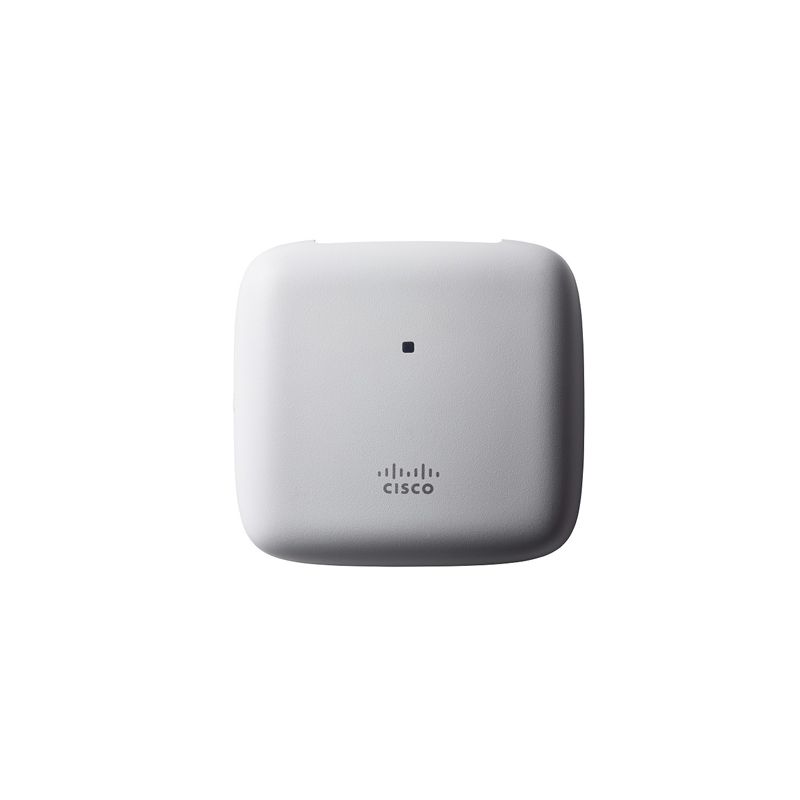
AIR-AP1815I-K-K9 Cisco Aironet 1815I 2x2:2 SS MU-MIMO Access Point

- 763 412 7282
- +86 010 69614620
AIR-AP1815I-K-K9 Overview
AIR-AP1815I-K-K9 exact order identity
AIR-AP1815I-K-K9 is an indoor Cisco Aironet 1815i 802.11ac Wave 2 access point. It uses internal antennas only, supports concurrent 2.4-GHz and 5-GHz radios with 2x2 MIMO and two spatial streams, and provides one 10/100/1000 Ethernet uplink with 802.3af/at PoE.
Software order boundary
Cisco identifies the K9 line as a dual-band controller-based 802.11ac Wave 2 access point. Record the intended wireless LAN controller and software release, DHCP or DNS discovery path, certificate state and successful CAPWAP join.
K regulatory-domain evidence
The domain letter is an ordering identifier, not a country name. Tie the K-domain purchase line to the controller country configuration and the post-join enabled-channel export.
Center the K-domain package on channel-state evidence. Retain the Cisco country lookup and controller country configuration, then export the enabled-channel state after the AP joins. Store the output with exact PID, serial and survey reference. Repeat the comparison after controller upgrades so a software change cannot silently separate the live radio state from the approved order.
Integrated antenna and installation boundary
Cisco documents two integrated 2.4-GHz antennas and two integrated 5-GHz antennas. There is no external-antenna conversion in this PID. Reconcile AIR-AP-BRACKET-8 or other selected mounting hardware and verify the final wall or ceiling placement against the RF survey.
Lifecycle decision
Cisco lists this product family as end of sale, identifies Catalyst 9105AX as the migration direction and publishes 30 April 2027 as the last support date. Available inventory does not extend that date.
Deployment evidence worksheet
Controller join evidence
Stage the access point on the controller release intended for production. Retain the controller model, software version, discovery path, authorization method and first successful CAPWAP join. Confirm that configuration download completes and that both radios reach an expected operational state. Remove any temporary staging authorization before handover. This evidence separates an orderable access point from a unit that has actually been proven compatible with the planned controller environment. For the 1815i, retain controller discovery, software download and final join evidence beside the exact serial.
Survey-to-install reconciliation
Attach the approved RF survey location, mounting height, orientation, expected client density, channel width and neighboring-radio assumptions to the order. After installation, compare measured coverage and interference with that design. If ceiling construction, antenna placement or obstructions changed, document the deviation and repeat the affected measurements. This provides a site-specific acceptance reason for the exact unit instead of relying on a family data sheet alone. The integrated-antenna result depends on wall or ceiling position, orientation and the accepted RF survey.
Mechanical installation record
List the bracket, ceiling or wall interface, enclosure requirement, safety restraint, service clearance and cable-entry plan before scheduling installation. Receiving should identify missing mechanical items before the access point reaches site. Photograph the mounted label and final cable entry, then record how the unit can be reached for replacement. A complete electronic order can still be an unusable deployment kit when mechanical dependencies are omitted. AIR-AP-BRACKET-8 is included only when selected with the order and can be ordered separately; reconcile mounting parts.
Quotation substitution gate
Compare antenna form, regulatory token, configuration suffix, pack quantity and complete Cisco part number on the authorized quotation. Treat any changed token as a substitution that requires a new technical and regulatory review. Procurement should not accept a different access-point order merely because the family name matches. Preserve the approved line, received label and exception decision so the final asset can be traced to the exact order reviewed here. A changed regulatory token or K9/K9C suffix is a different procurement identity requiring a fresh review.
Software lifecycle file
Record the controller release approved for this unit, the source used to verify support, the last tested date and the owner for software advisories. Available hardware does not prove compatibility with a current or future controller train. Review Cisco support information before every expansion or replacement. The lifecycle file should also state when this Aironet generation must leave service and which surrounding dependencies need migration. The Aironet 1815 lifecycle record governs software and replacement planning even when hardware remains available.
Controlled spare policy
If purchased as a spare, name the protected site population, compatible controller image, storage location, storage conditions and periodic power-on test. Confirm that regulatory token, antenna architecture and mounting parts match the population it protects. Set a final-use review date. A stored unit can become unsuitable while untouched because controller software, country approval, certificates or network architecture may change. A spare must be proven against the protected controller image, regulatory identity, bracket and PoE environment.
Interference baseline
Preserve the pre-install and post-install noise, neighboring-radio and channel-occupancy observations for the selected location. Record any controller-driven channel change during acceptance. If the regulatory profile limits the channel choices, state how that constraint affected reuse and mitigation. This baseline gives future troubleshooting a reference point and prevents an unrelated interference change from being attributed to the hardware order. Preserve active country and legal channel state after controller changes or a Mobility Express conversion.
Replacement dependency map
Map this unit to controller, licenses, authentication services, switch power, cable, bracket, antenna design and monitoring objects. For an end-of-sale platform, state which dependencies can be reused by the planned Catalyst migration and which require change. A nominal access-point replacement can fail when the surrounding platform was never inventoried. Keep the map with the asset rather than only in a one-time project file. Cisco names Catalyst 9105AX as the migration family; validate controller, power, mounting and coverage changes.
Related Aironet 1815i order records
- AIR-AP1815I-K-K9C - compare software order and regulatory-domain evidence.
- AIR-AP1815I-F-K9C - compare software order and regulatory-domain evidence.
- AIR-AP1815I-T-K9C - compare software order and regulatory-domain evidence.
Official evidence: Cisco 1815i data sheet; Cisco 1815i getting started guide; Cisco Aironet 1815 lifecycle bulletin; Cisco support page; and Cisco compliance lookup.
AIR-AP1815I-K-K9 Specification
| Exact model / SKU | AIR-AP1815I-K-K9 |
| Exact Cisco PID | AIR-AP1815I-K-K9 |
| Product family | Cisco Aironet 1815i |
| Wireless design | 802.11ac Wave 2; concurrent 2.4 GHz and 5 GHz; 2x2 MIMO with two spatial streams |
| Antenna | Two integrated 2.4-GHz antennas and two integrated 5-GHz antennas |
| Network and power | One 10/100/1000 Ethernet uplink with 802.3af/at PoE |
| Order form | controller-based K9 order |
| Regulatory-domain token | K |
| Country approval | Verify current approval through Cisco's compliance lookup |
| Lifecycle | End of sale; last support 2027-04-30 |
| Migration family | Cisco Catalyst 9105AX |
| Source match | AIR-AP1815I-K-K9: Aironet 1815i, controller-based K9 order, regulatory-domain token K |
| Official manufacturer reference | Cisco Aironet 1815i official data sheet |
AIR-AP1815I-K-K9 Warranty
 | Product Quotation |  | Condition and Packaging |
 | Technical Support Enquiry |  | Returns and Replacement |
 | Shipping Arrangements |  | Warranty Terms |
AIR-AP1815I-K-K9 FAQ
What is AIR-AP1815I-K-K9?
AIR-AP1815I-K-K9 Cisco Aironet 1815I 2x2:2 SS MU-MIMO Access Point is a CISCO Aironet 1815i Access Points product supplied by YYST Global for enterprise IT procurement and infrastructure projects.
What wireless design is listed for AIR-AP1815I-K-K9?
For AIR-AP1815I-K-K9, the manufacturer specification lists wireless design as 802.11ac Wave 2; concurrent 2.4 GHz and 5 GHz; 2x2 MIMO with two spatial streams.
What antenna is listed for AIR-AP1815I-K-K9?
For AIR-AP1815I-K-K9, the manufacturer specification lists antenna as Two integrated 2.4-GHz antennas and two integrated 5-GHz antennas.
What are the power requirements for AIR-AP1815I-K-K9?
For AIR-AP1815I-K-K9, the manufacturer specification lists network and power as One 10/100/1000 Ethernet uplink with 802.3af/at PoE.
Is AIR-AP1815I-K-K9 available from YYST Global?
Contact YYST Global to confirm availability for AIR-AP1815I-K-K9, the required quantity, exact configuration, delivery destination and current lead time before ordering. A product listing does not confirm current inventory.
Related products
Related AIR-AP1815I-K-K9
AIR-AP1815I-T-K9 Cisco Aironet 1815I Controller-based Wifi 5 Wave 2 AP
AIR-AP1815I-T-K9 is a Cisco Aironet 1815i indoor access point with integrated antennas, concurrent 2.4-GHz and 5-GHz 2x2 radios, two spatial streams, one Gigabit Ethernet PoE uplink, regulatory-domain token T and a controller-based K9 order.
AIR-AP1815I-Z-K9C Cisco 1815I SS MU-MIMO AP with Mobility Express
AIR-AP1815I-Z-K9C is a Cisco Aironet 1815i indoor access point with integrated antennas, concurrent 2.4-GHz and 5-GHz 2x2 radios, two spatial streams, one Gigabit Ethernet PoE uplink, regulatory-domain token Z and a K9C order with default Mobility Express software.
AIR-AP1815I-S-K9C Cisco Aironet 1815I MU-MIMO AP with Mobility Express
AIR-AP1815I-S-K9C is a Cisco Aironet 1815i indoor access point with integrated antennas, concurrent 2.4-GHz and 5-GHz 2x2 radios, two spatial streams, one Gigabit Ethernet PoE uplink, regulatory-domain token S and a K9C order with default Mobility Express software.
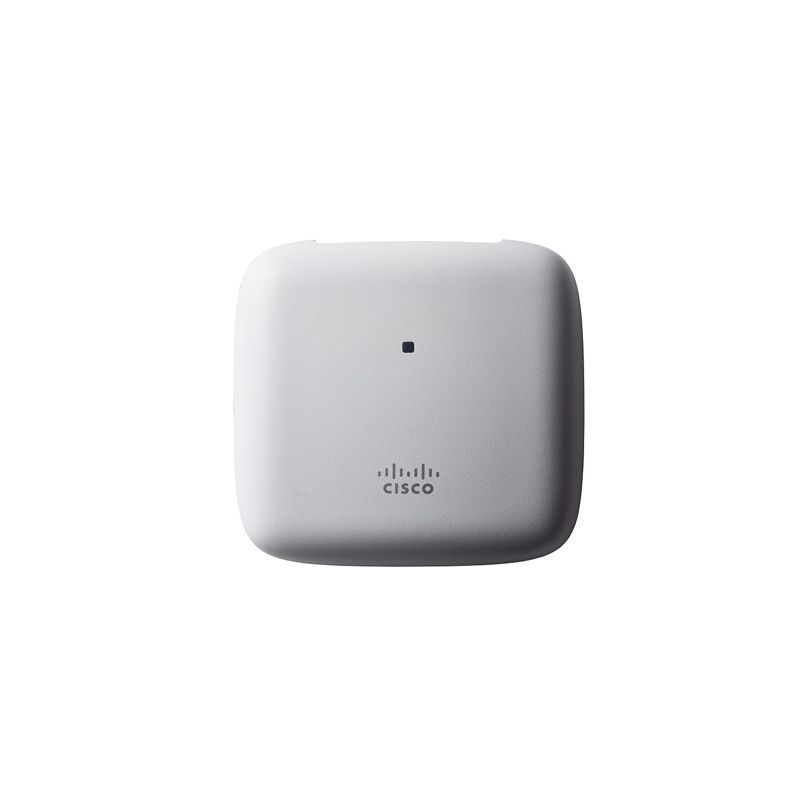
AIR-AP1815I-I-K9C Cisco Aironet 1815I 802.11ac Wave 2 Access Point
AIR-AP1815I-I-K9C is a Cisco Aironet 1815i indoor access point with integrated antennas, concurrent 2.4-GHz and 5-GHz 2x2 radios, two spatial streams, one Gigabit Ethernet PoE uplink, regulatory-domain token I and a K9C order with default Mobility Express software.
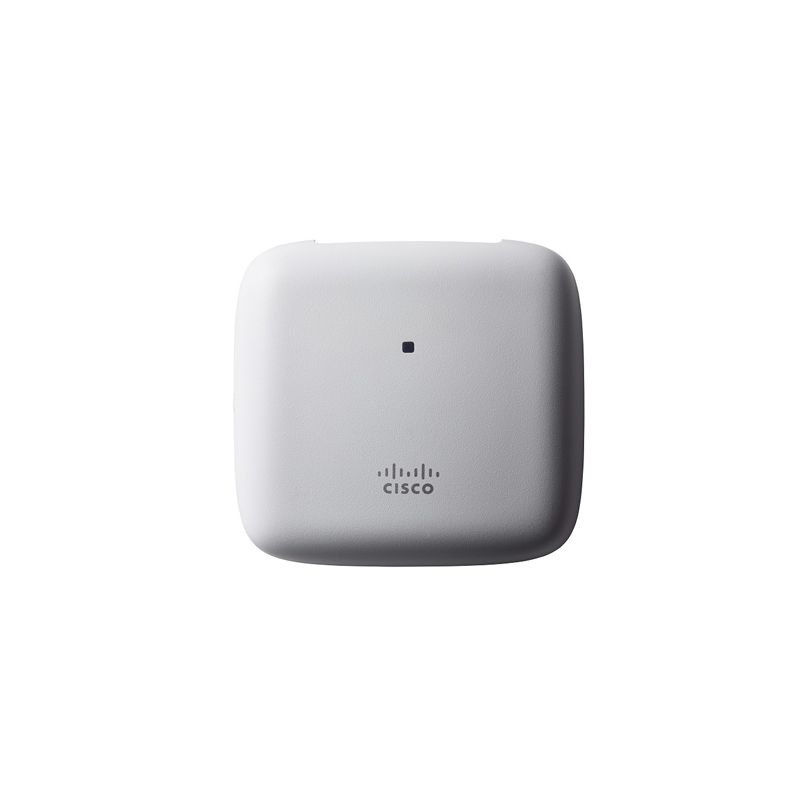
AIR-AP1815I-E-K9C Cisco Aironet 1815I Dual-band Mobility Express AP
AIR-AP1815I-E-K9C is a Cisco Aironet 1815i indoor access point with integrated antennas, concurrent 2.4-GHz and 5-GHz 2x2 radios, two spatial streams, one Gigabit Ethernet PoE uplink, regulatory-domain token E and a K9C order with default Mobility Express software.
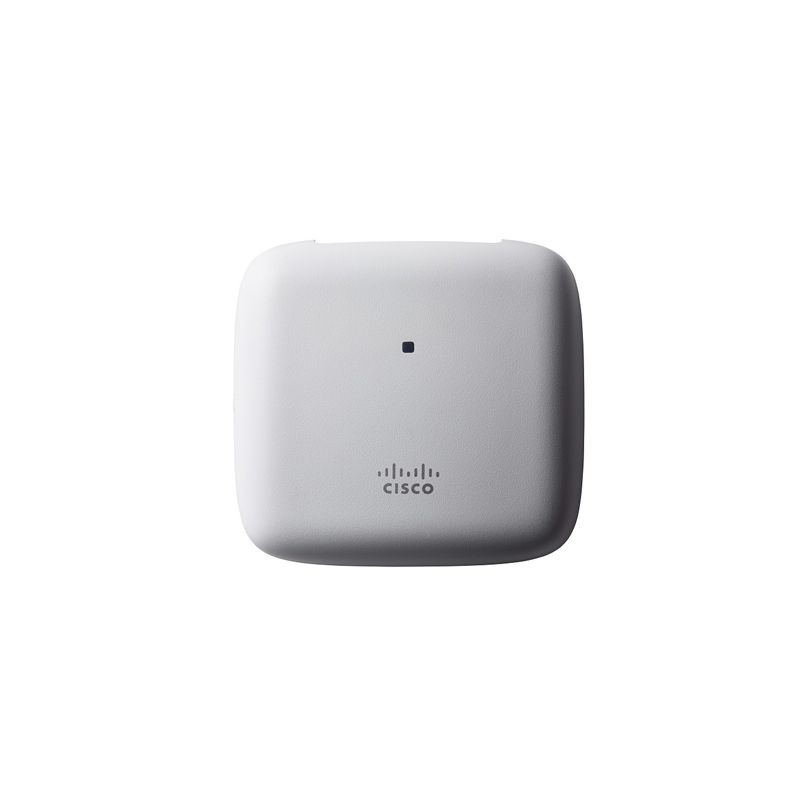
AIR-AP1815I-F-K9C Cisco 1815I 802.11ac, Wave 2 Mobility Express AP
AIR-AP1815I-F-K9C is the F-domain Cisco Aironet 1815i access-point order with default Mobility Express software. It has internal antennas, concurrent dual-band 2x2 radios and one Gigabit Ethernet PoE uplink.
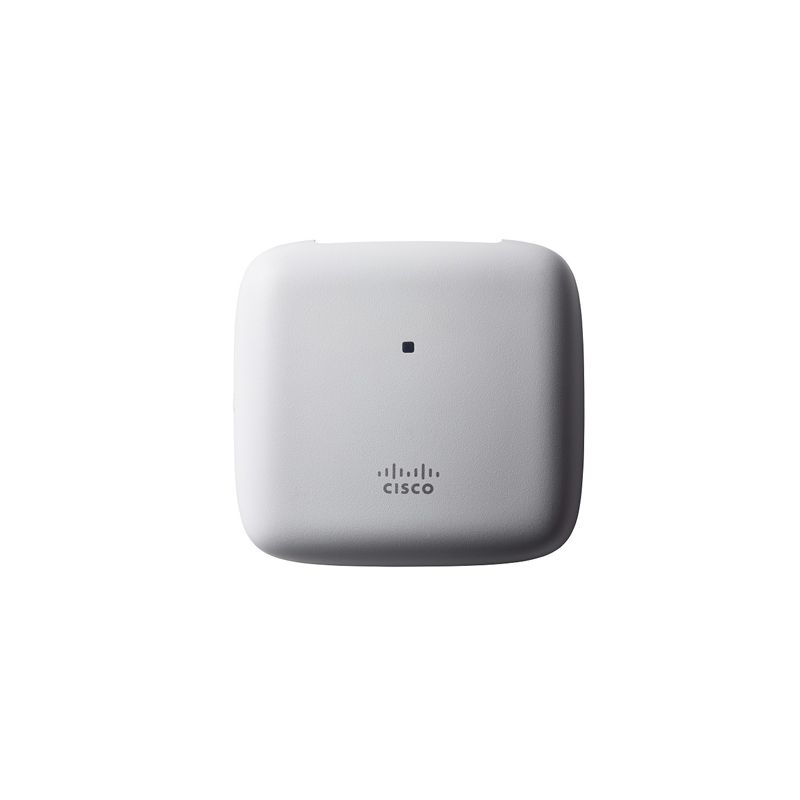
AIR-AP1815I-F-K9 Cisco Aironet 1815I SS MU-MIMO WiFi 5 Access Point
AIR-AP1815I-F-K9 is a Cisco Aironet 1815i indoor access point with integrated antennas, concurrent 2.4-GHz and 5-GHz 2x2 radios, two spatial streams, one Gigabit Ethernet PoE uplink, regulatory-domain token F and a controller-based K9 order.
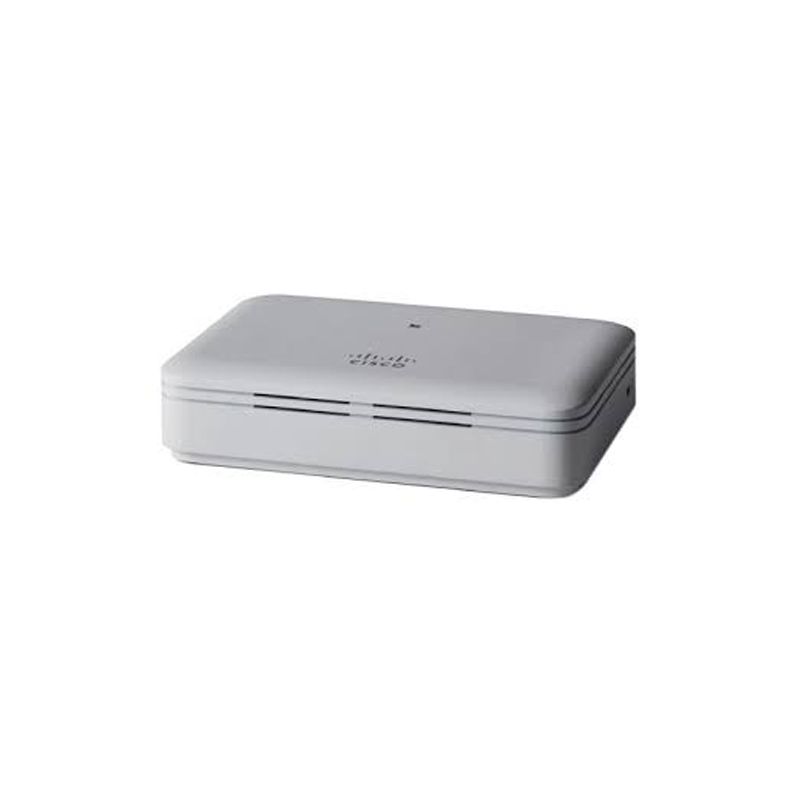
AIR-AP1815T-A-K9 Cisco Aironet 1815t Teleworker Access Point
AIR-AP1815T-A-K9 is the A-domain Cisco Aironet 1815t OfficeExtend access point with dual-band 2x2 radios. It uses a local power adapter; LAN 1 supplies PoE output and LAN 3 is reserved for local management.