
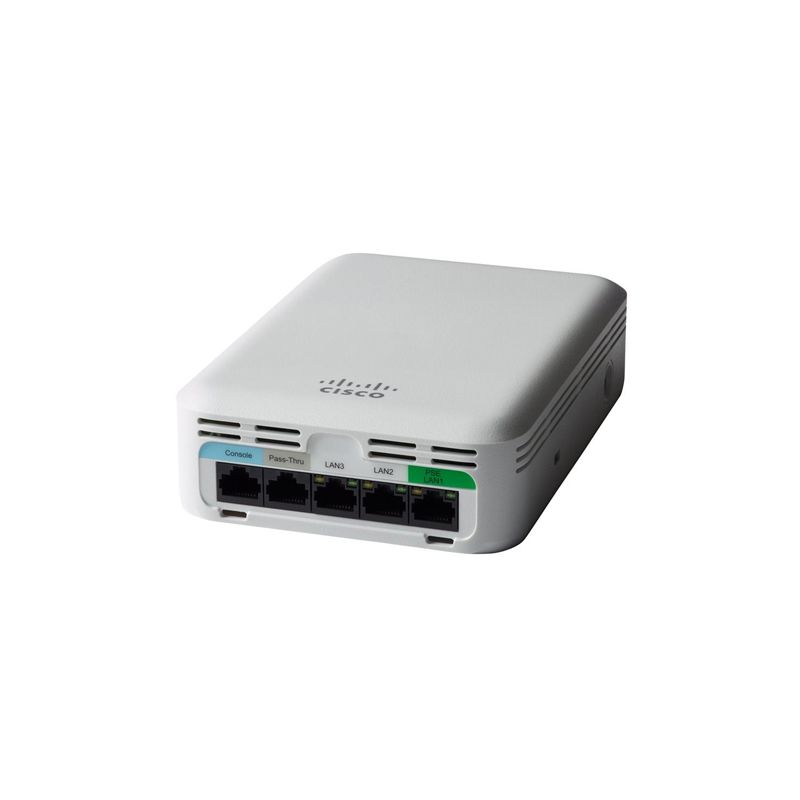
AIR-AP1815W-E-K9Cisco Aironet 1815W Controller-based Access Point

- 763 412 7282
- +86 010 69614620
AIR-AP1815W-E-K9 Overview
AIR-AP1815W-E-K9 exact wall-plate order
AIR-AP1815W-E-K9 is a compact Cisco Aironet 1815w access point for wall or junction-box installation in hospitality, residence and multi-dwelling environments. It supports concurrent 2.4-GHz and 5-GHz 2x2 radios with two spatial streams and integrated antennas.
Software order boundary
Cisco defines AIR-AP1815W-x-K9 as the dual-band controller-based 802.11ac Wave 2 order. Record the target WLC, supported release, discovery path, entitlement and successful CAPWAP join.
E regulatory evidence
The domain letter is an ordering identifier, not a country name. Associate the E-domain compliance result with the installed controller object and repeat the check after any country-setting migration.
Use controller migration as the E-domain evidence scenario. Export the existing country and radio configuration before the move, then compare the post-migration state with the dated Cisco compliance result. Keep both observations beside the exact PID and serial. Unchanged client connectivity is not enough because it does not show that the intended regulatory configuration survived.
Room-side Ethernet and PoE boundary
The 1815w provides one Gigabit uplink, three local Gigabit Ethernet ports and one passive RJ-45 pass-through path. LAN 1 can provide 802.3af Class 0 PoE-out only when the AP itself receives 802.3at; there is no PoE output when the AP receives 802.3af.
Mounting and antenna boundary
The unit uses integrated dual-band antennas with approximately 2 dBi peak gain at 2.4 GHz and 3 dBi at 5 GHz. It installs vertically with AIR-AP-BRACKET-W3; AIR-AP1815W-KIT is a separate spacer and RJ-45 jumper option when the cabling path requires it.
Lifecycle decision
Cisco lists the Aironet 1815 family as end of sale, publishes 2027-04-30 as the last support date and identifies the Catalyst 9105AX Series as the migration family. Existing stock does not extend that support date.
Room deployment evidence worksheet
Controller join evidence
Stage the access point on the controller release intended for production. Retain the controller model, software version, discovery path, authorization method and first successful CAPWAP join. Confirm that configuration download completes and that both radios reach an expected operational state. Remove any temporary staging authorization before handover. This evidence separates an orderable access point from a unit that has actually been proven compatible with the planned controller environment. For the 1815w, retain controller discovery, software download and final join beside the exact serial.
Power-state acceptance
Measure power after the access point has joined its controller and the planned radios and services are active. Record switch model, port, negotiated power level, LLDP result and any reduced-capability warning. An idle boot result is not sufficient evidence for the deployed power budget. If an injector is proposed, verify its supported use and include its exact identity in the maintained bill of materials rather than treating it as an unspecified accessory. Record whether the AP receives 802.3af or 802.3at and whether LAN 1 PoE-out is expected.
Survey-to-install reconciliation
Attach the approved RF survey location, mounting height, orientation, expected client density, channel width and neighboring-radio assumptions to the order. After installation, compare measured coverage and interference with that design. If ceiling construction, antenna placement or obstructions changed, document the deviation and repeat the affected measurements. This provides a site-specific acceptance reason for the exact unit instead of relying on a family data sheet alone. Tie coverage results to the vertical wall or junction-box position and integrated antenna orientation.
Serial-level asset control
Capture chassis serial, base MAC address, carton reference, deployment site, controller assignment and asset owner. Reconcile the identifiers against the purchase line before activation. Multi-unit cartons require an entry for every physical access point; a carton SKU alone cannot show which unit was installed, held as a spare or returned. This record is also needed to trace support entitlement, replacement history and monitoring ownership. Link serial, base MAC, room, controller object and local wired-port assignments before activation.
Software lifecycle file
Record the controller release approved for this unit, the source used to verify support, the last tested date and the owner for software advisories. Available hardware does not prove compatibility with a current or future controller train. Review Cisco support information before every expansion or replacement. The lifecycle file should also state when this Aironet 1815w generation must leave service and which surrounding dependencies need migration. Apply the 1815 Series lifecycle to software, support and Catalyst 9105AX migration planning.
Change-window controls
Document staging evidence, production window, installer, rollback owner and measurable success criteria. Preserve the prior controller or AP state needed for recovery. After the change, close temporary credentials, compare authentication, monitoring and RF results with the approved baseline, and record the final decision. The work is not complete merely because the unit powers on or appears in a controller list. Rollback must restore controller role, country setting, switch port, room cabling and prior RF service.
Replacement dependency map
Map this unit to controller, licenses, authentication services, switch power, cable, bracket, antenna design and monitoring objects. For an end-of-sale platform, state which dependencies can be reused by the planned Catalyst migration and which require change. A nominal access-point replacement can fail when the surrounding platform was never inventoried. Keep the map with the asset rather than only in a one-time project file. Compare the Catalyst 9105AX migration with wall mounting, ports, PoE-out, software and coverage needs.
Operational log retention
Store the initial controller events, switch-port state, radio assignment, channel list and client test results with a consistent asset identifier. Define how long commissioning evidence is retained and who can retrieve it. A later firmware, controller or RF change should add a new dated observation rather than overwrite the original. The resulting history supports lifecycle decisions and distinguishes a new regression from the accepted baseline. Keep the first accepted wireless, wired, power and client results as the operational baseline.
Related Aironet 1815w order records
- AIR-AP1815W-E-K9C - compare software order and regulatory-domain evidence.
- AIR-AP1815W-Z-K9C - compare software order and regulatory-domain evidence.
- AIR-AP1815W-Q-K9C - compare software order and regulatory-domain evidence.
Official evidence: Cisco Aironet 1815w data sheet; Cisco 1815w getting-started guide; Cisco wall-plate deployment guide; Cisco 1815 lifecycle bulletin; and Cisco compliance lookup.
AIR-AP1815W-E-K9 Specification
| Exact model / SKU | AIR-AP1815W-E-K9 |
| Exact Cisco PID | AIR-AP1815W-E-K9 |
| Product family | Cisco Aironet 1815w wall-plate access point |
| Wireless design | 802.11ac Wave 2; concurrent 2.4 GHz and 5 GHz; 2x2 with two spatial streams |
| Integrated antenna gain | Approximately 2 dBi at 2.4 GHz and 3 dBi at 5 GHz |
| Network ports | One Gigabit uplink; three local Gigabit ports; one passive RJ-45 pass-through |
| PoE input | 802.3af or 802.3at |
| PoE output | LAN 1 supplies 802.3af Class 0 only when AP input is 802.3at |
| Software order | controller-based K9 order |
| Regulatory-domain token | E |
| Country approval | Verify current approval through Cisco's compliance lookup |
| Mounting | Vertical wall or junction-box installation with AIR-AP-BRACKET-W3 |
| Lifecycle | End of sale; last support 2027-04-30 |
| Migration family | Cisco Catalyst 9105AX Series Access Points |
| Source match | AIR-AP1815W-E-K9: Aironet 1815w, controller-based K9 order, regulatory-domain token E |
| Official manufacturer reference | Cisco Aironet 1815w official data sheet |
AIR-AP1815W-E-K9 Warranty
 | Product Quotation |  | Condition and Packaging |
 | Technical Support Enquiry |  | Returns and Replacement |
 | Shipping Arrangements |  | Warranty Terms |
AIR-AP1815W-E-K9 FAQ
What is AIR-AP1815W-E-K9?
AIR-AP1815W-E-K9Cisco Aironet 1815W Controller-based Access Point is a CISCO Aironet 1815w Access Point product supplied by YYST Global for enterprise IT procurement and infrastructure projects.
What wireless design is listed for AIR-AP1815W-E-K9?
For AIR-AP1815W-E-K9, the manufacturer specification lists wireless design as 802.11ac Wave 2; concurrent 2.4 GHz and 5 GHz; 2x2 with two spatial streams.
What integrated antenna gain is listed for AIR-AP1815W-E-K9?
For AIR-AP1815W-E-K9, the manufacturer specification lists integrated antenna gain as Approximately 2 dBi at 2.4 GHz and 3 dBi at 5 GHz.
What interfaces and ports does AIR-AP1815W-E-K9 provide?
For AIR-AP1815W-E-K9, the manufacturer specification lists network ports as One Gigabit uplink; three local Gigabit ports; one passive RJ-45 pass-through.
Is AIR-AP1815W-E-K9 available from YYST Global?
Contact YYST Global to confirm availability for AIR-AP1815W-E-K9, the required quantity, exact configuration, delivery destination and current lead time before ordering. A product listing does not confirm current inventory.
Related products
Related AIR-AP1815W-E-K9
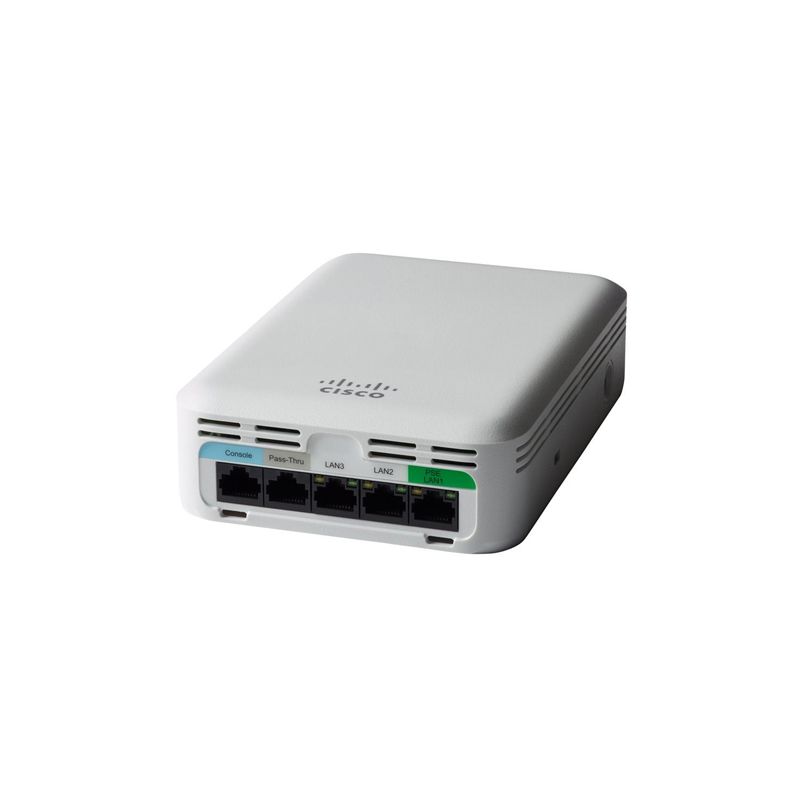
AIR-AP1815W-F-K9C Cisco Aironet 1815W MU-MIMO Mobility Express AP
AIR-AP1815W-F-K9C is a Cisco Aironet 1815w wall-plate 802.11ac Wave 2 access point with integrated antennas, concurrent 2.4-GHz and 5-GHz 2x2 radios, three local Gigabit ports, regulatory-domain token F and a K9C order with default Mobility Express software.
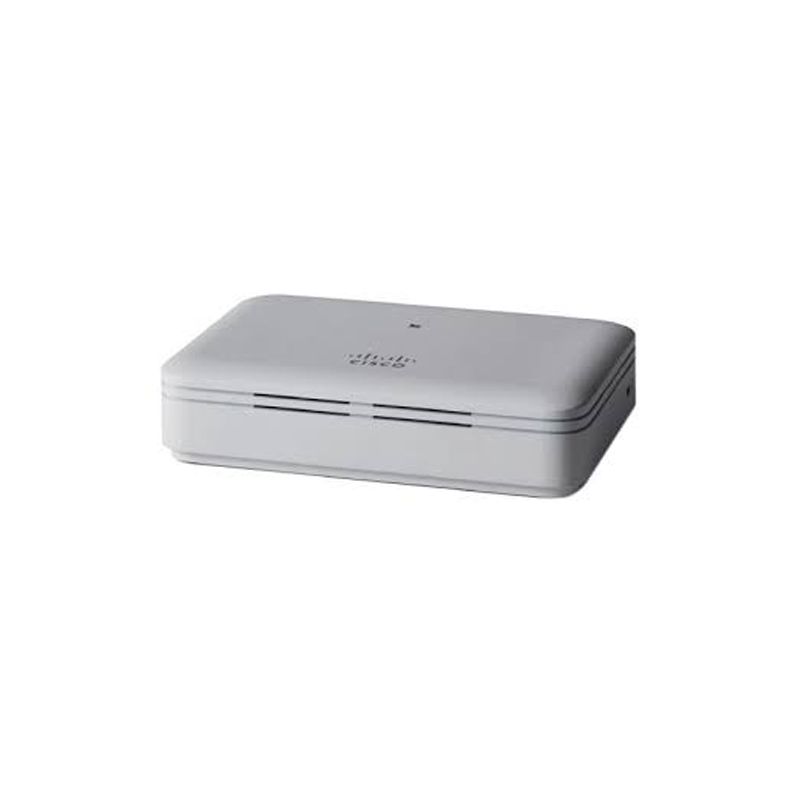
AIR-AP1815T-A-K9 Cisco Aironet 1815t Teleworker Access Point
AIR-AP1815T-A-K9 is the A-domain Cisco Aironet 1815t OfficeExtend access point with dual-band 2x2 radios. It uses a local power adapter; LAN 1 supplies PoE output and LAN 3 is reserved for local management.
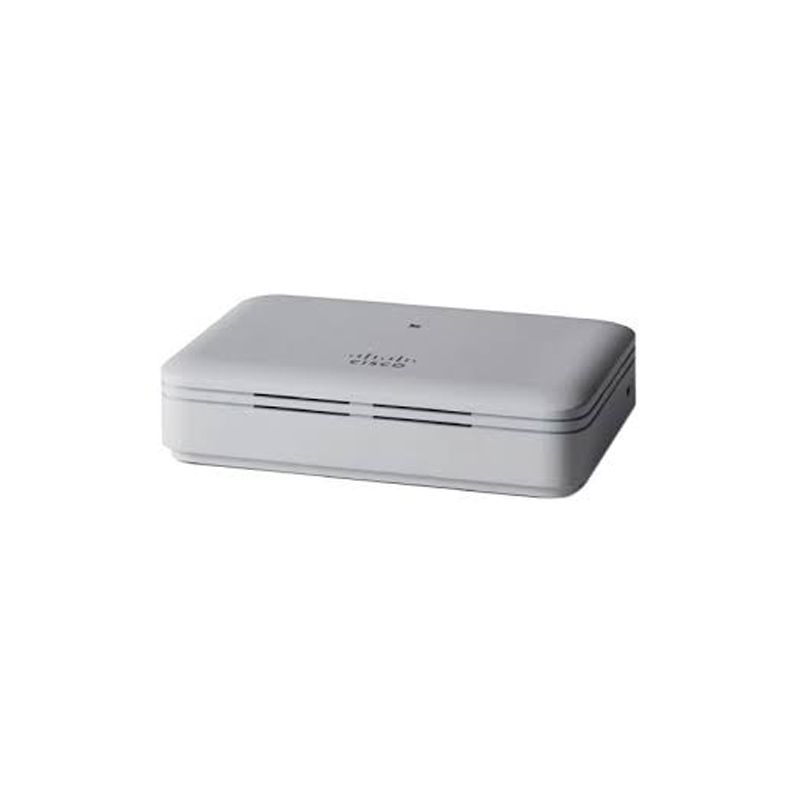
AIR-AP1815T-H-K9 Cisco Aironet 1815t Teleworker Access Point
AIR-AP1815T-H-K9 is the H-domain Cisco Aironet 1815t controller-based OfficeExtend access point for teleworker or micro-branch wired and wireless service. For the H-domain unit, create a home-office handover with ISP modem mode, WAN addressing, DNS reachability, controller round-trip time and power recovery. Repeat the test after moving the AP from staging to the employee circuit and archive both results.
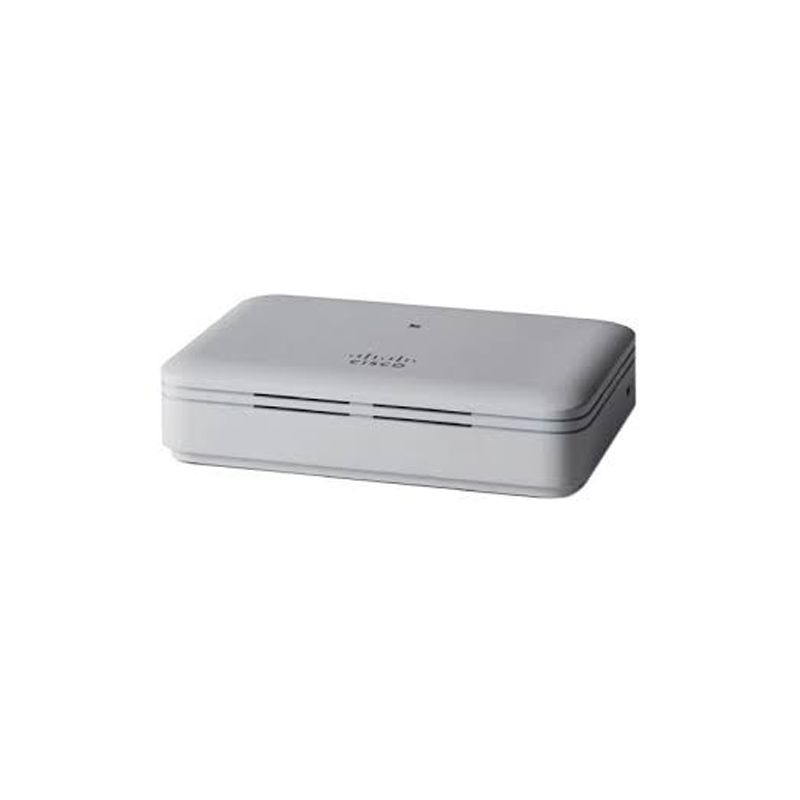
AIR-AP1815T-E-K9 Cisco Aironet 1815t Teleworker Access Point
AIR-AP1815T-E-K9 is the E-domain Cisco Aironet 1815t controller-based OfficeExtend access point for teleworker or micro-branch wired and wireless service. For the E-domain order, document an approved micro-branch cutover with corporate and guest WLAN reachability, three local-port VLAN assignments, WAN failback and controller image state. Revalidate country and channel state after any controller-country migration.
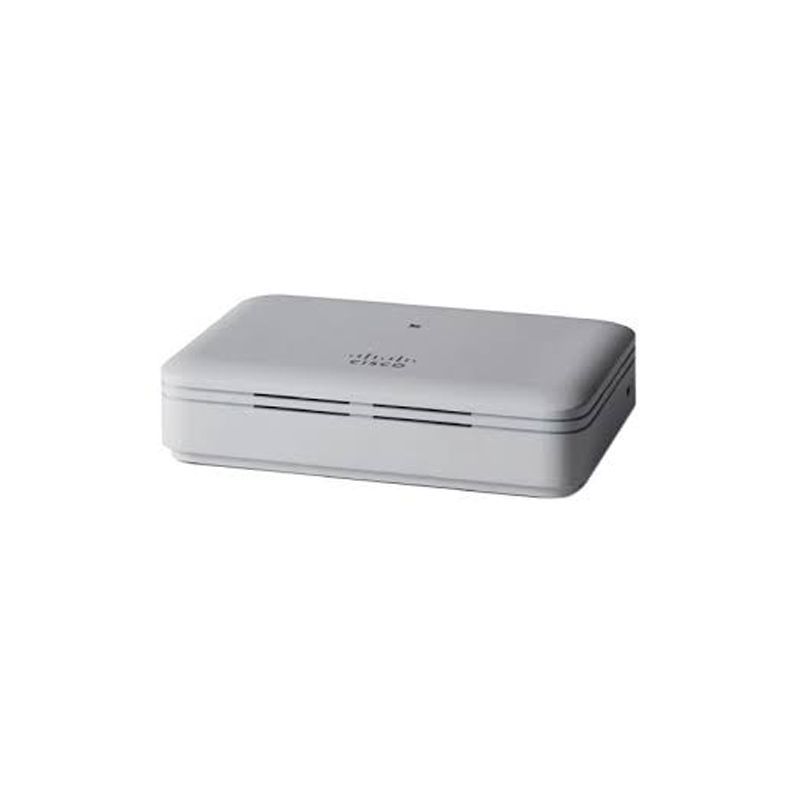
AIR-AP1815T-Z-K9 Cisco Aironet 1815t Teleworker Access Point
AIR-AP1815T-Z-K9 is the Z-domain Cisco Aironet 1815t controller-based OfficeExtend access point for teleworker or micro-branch wired and wireless service. For the Z-domain record, attach destination approval before shipment and record customs destination, controller country, enabled channels and final serial assignment. A warehouse radio test cannot replace final-site regulatory evidence.
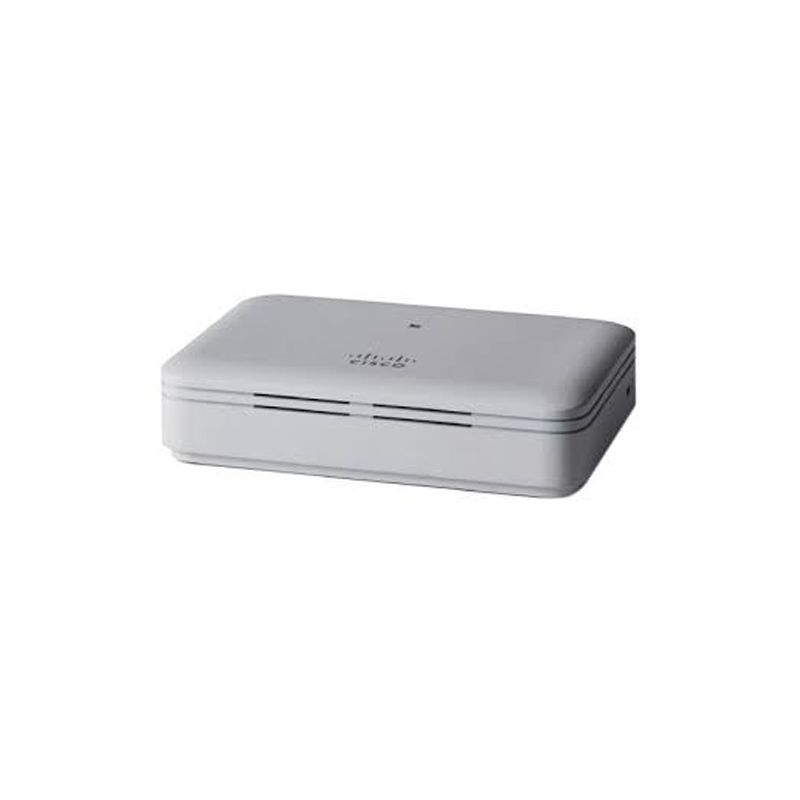
AIR-AP1815T-T-K9 Cisco Aironet 1815t Teleworker Access Point
AIR-AP1815T-T-K9 is the T-domain Cisco Aironet 1815t controller-based OfficeExtend access point for teleworker or micro-branch wired and wireless service. For the T-domain AP, stage a brownout test that interrupts the remote WAN while local wired devices remain attached. Capture tunnel recovery time, WLAN reauthentication, local-port state and help-desk instructions for a nontechnical user.
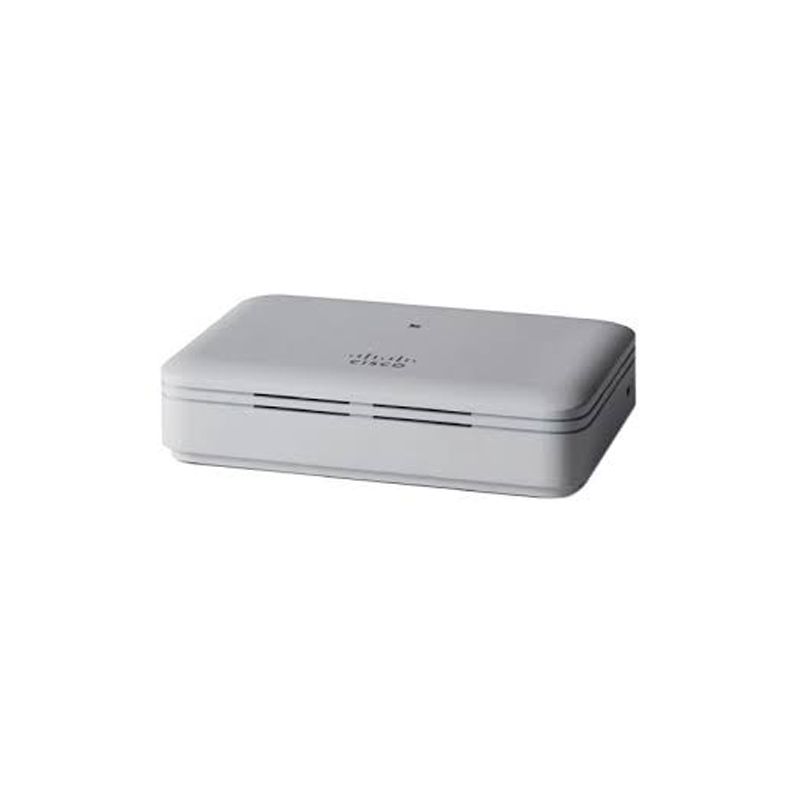
AIR-AP1815T-Q-K9 Cisco Aironet 1815t Teleworker Access Point
AIR-AP1815T-Q-K9 is the Q-domain Cisco Aironet 1815t controller-based OfficeExtend access point for teleworker or micro-branch wired and wireless service. For the Q-domain order, build an asset-return workflow linking serial, remote user, desk location, power adapter, WAN cable and controller object. Test factory reset and secure reassignment before the AP is issued to another destination.
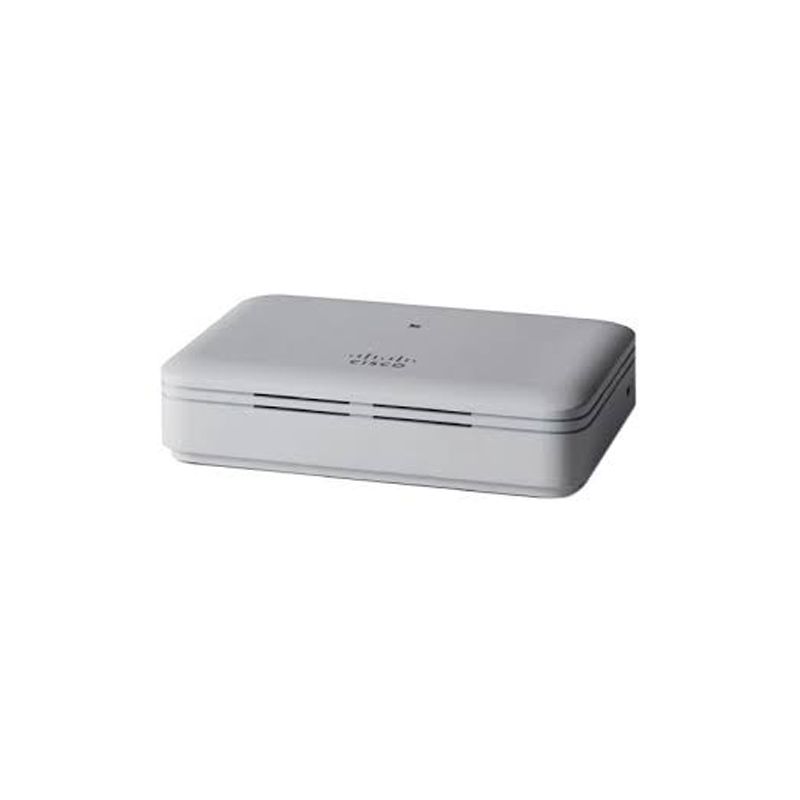
Cisco AIR-AP1815T-I-K9 Aironet 1815t Teleworker Access Point
AIR-AP1815T-I-K9 is an Aironet 1815t teleworker access point, not an 1815i or Catalyst 9100. The 1815t connects remote wired and wireless clients to the corporate network and provides three local Gigabit ports plus one Gigabit uplink.